YouTube: plan, shoot, build, publish.
One app from the idea to the upload. Your footage, your photographs, your voice — and the thumbnail, title and chapters written for you.
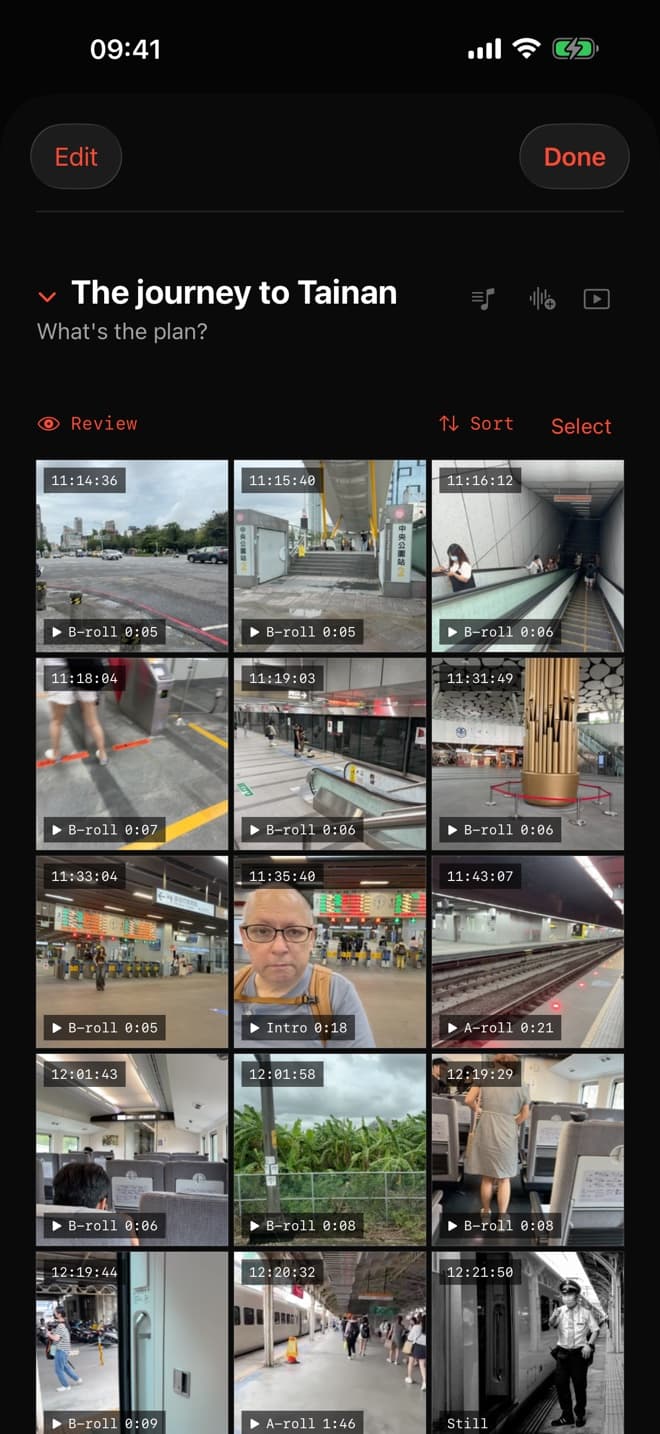
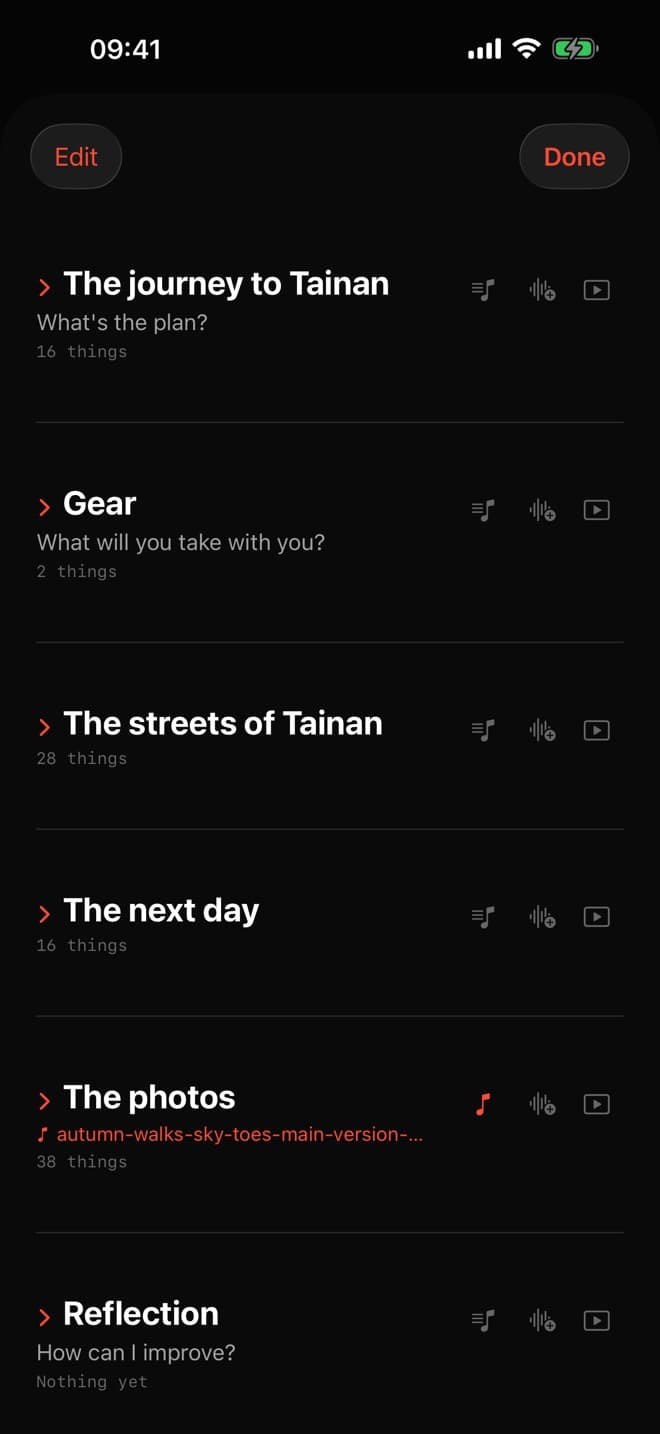
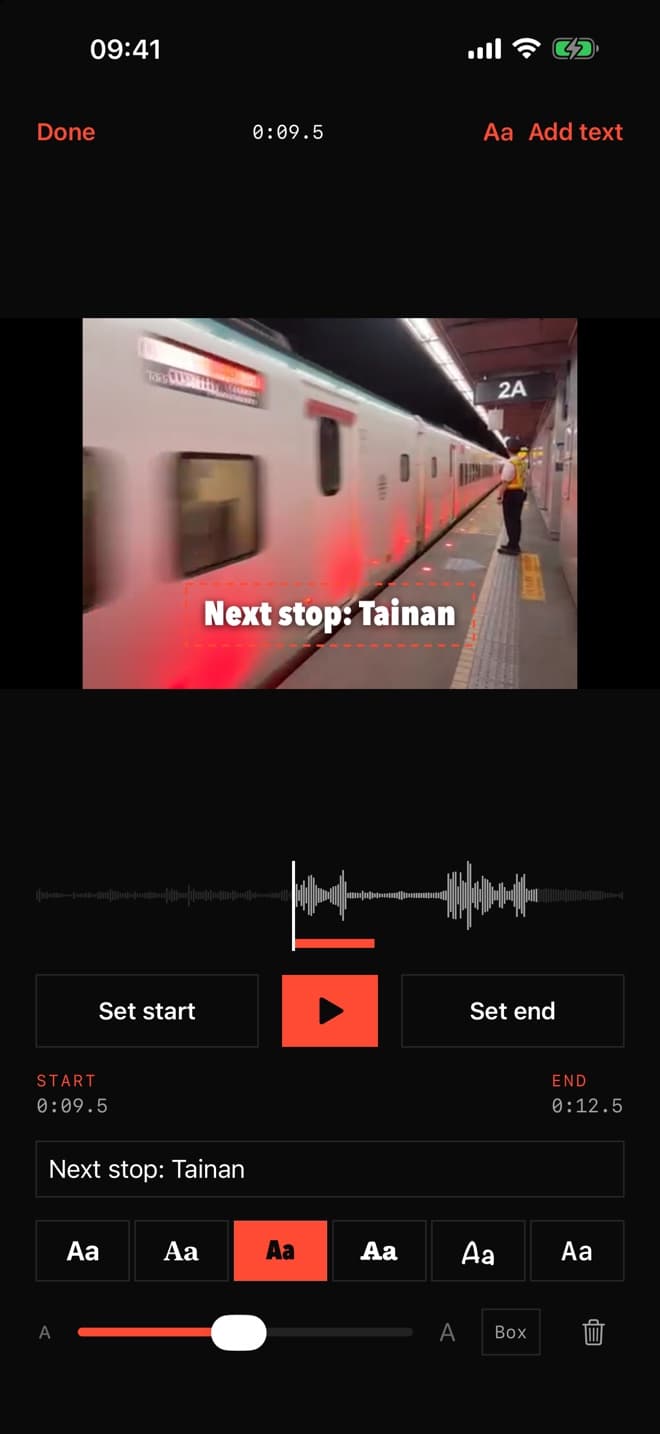
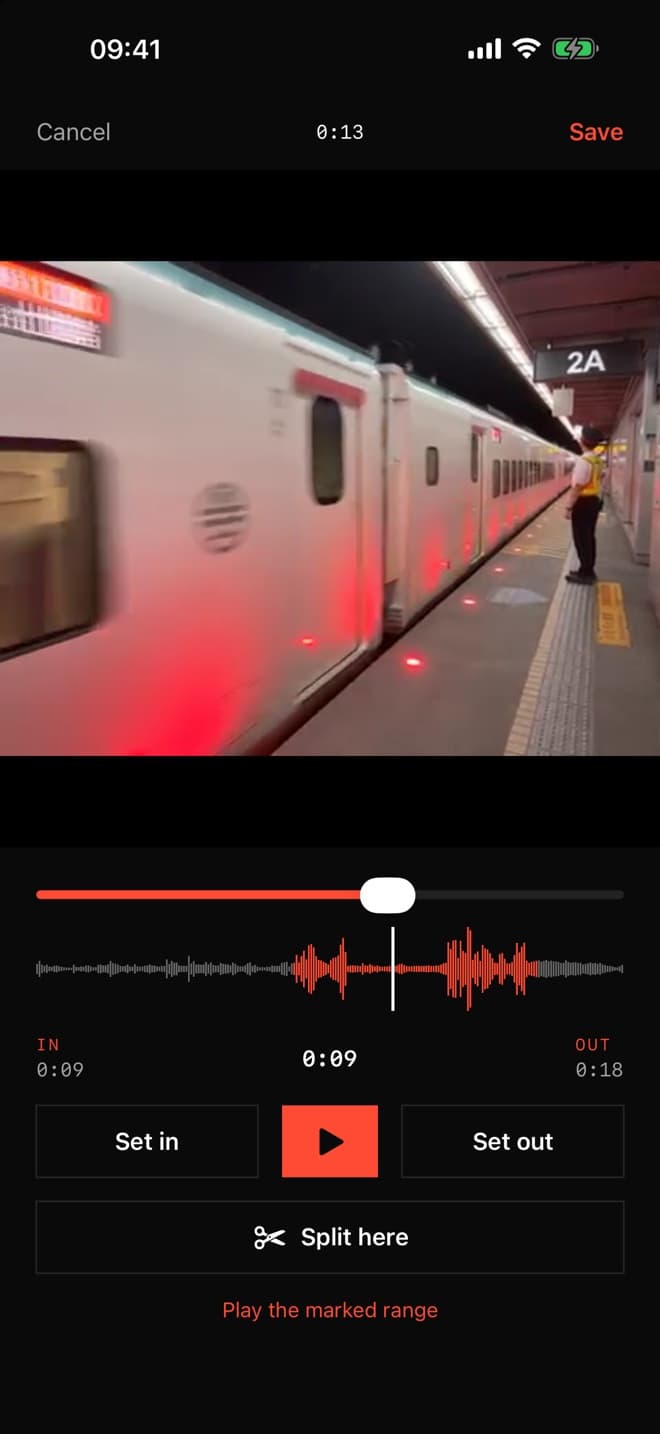
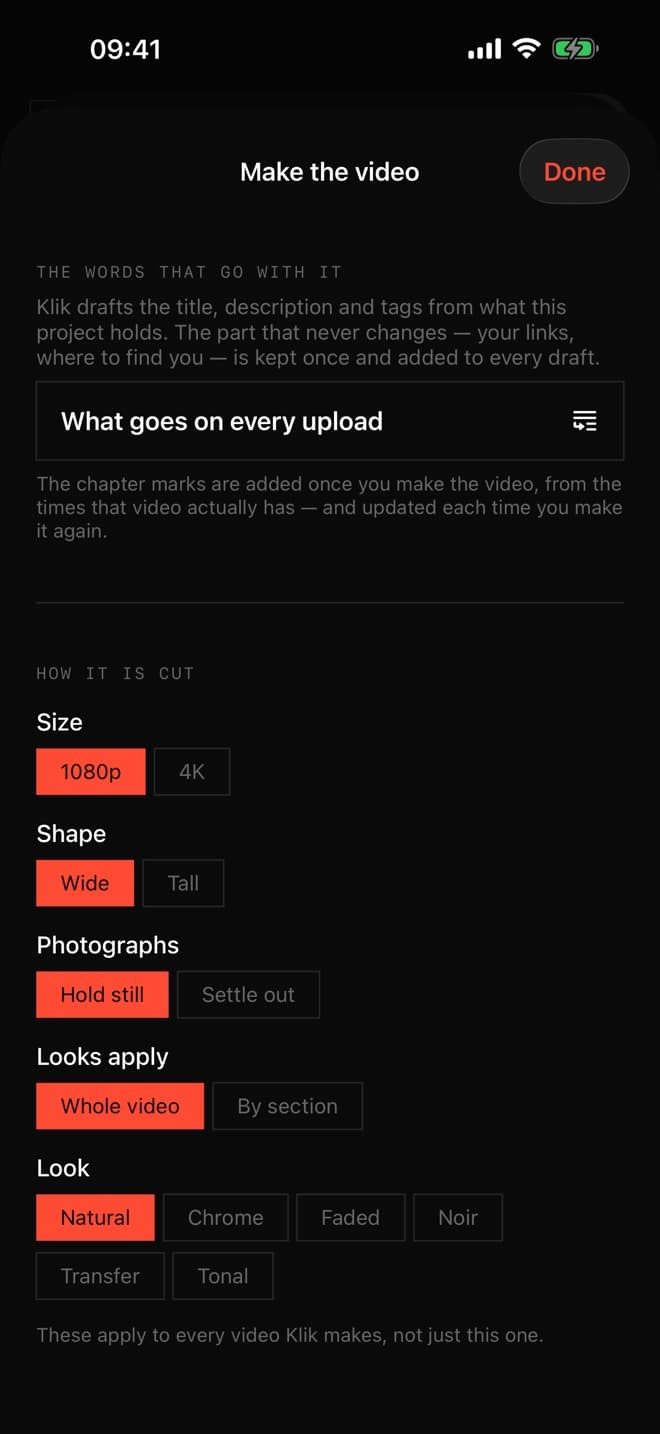
The same app, pointed at four different jobs.
You make videos for a channel, and you do every job yourself.
The admin around a video takes as long as the edit — thumbnail, title, description, chapters, affiliate links.
- Plan it in sections you name, or bring the whole project in from your AI assistant
- Shoot straight into it, with a teleprompter that follows your voice
- Music for each section, a film look, wide for a screen or tall for a feed
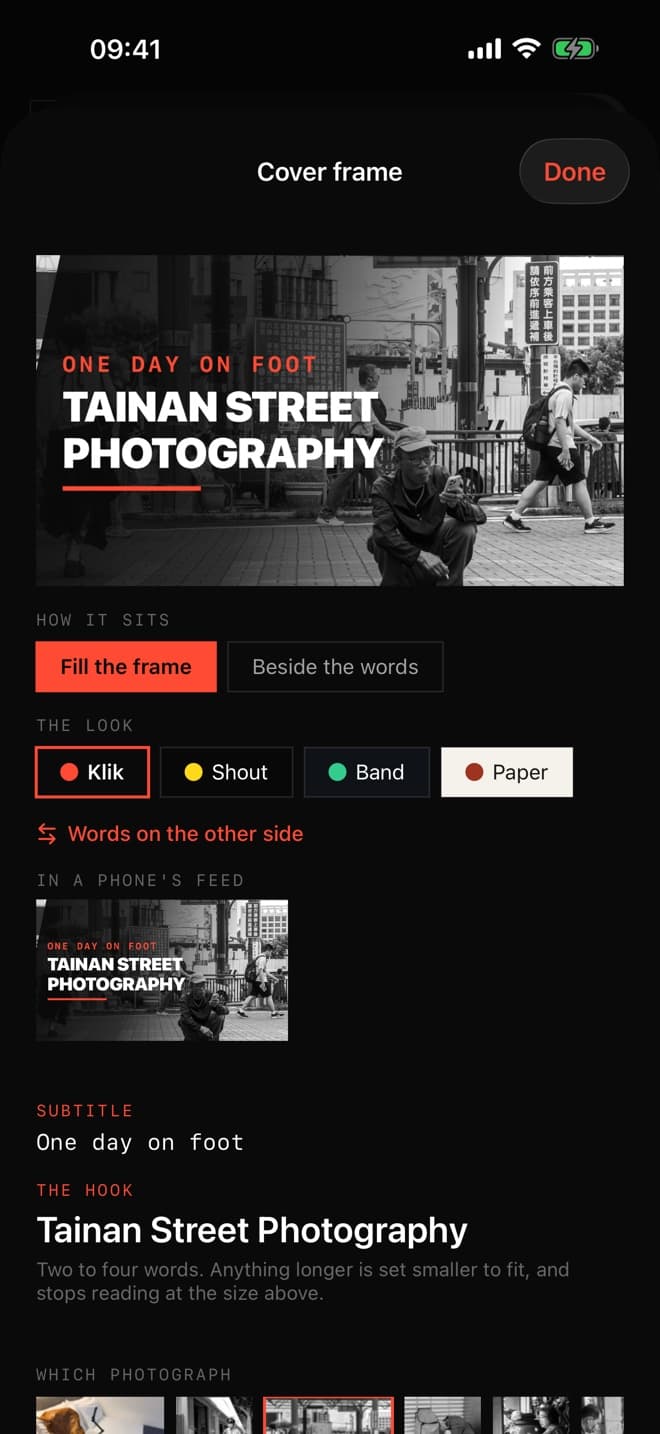
- A thumbnail built from your own photograph, shown at the size people really see it
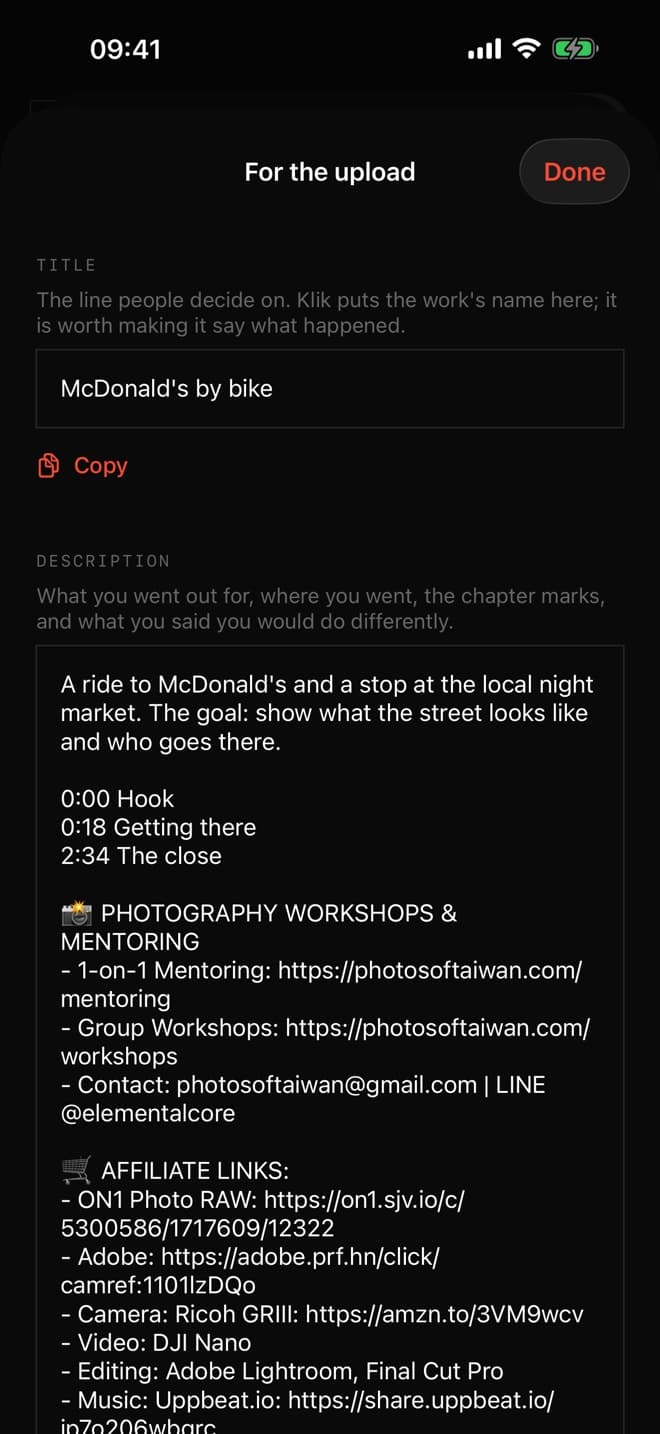
- Title, tags, description and chapter marks from the video you actually made
- An affiliate link to a piece of gear, dropped in when that gear is on screen
Everything from the idea to the upload.
You walk, you shoot stills, and you want the work seen.
You have photographs, not footage — and photographs are hard to make watchable.
- POV films: your stills laid over a continuous take, so the viewer sees the street and then your frame of it
- Narrate across a whole section, over a run of photographs
- Your places on a map that files itself by country and city
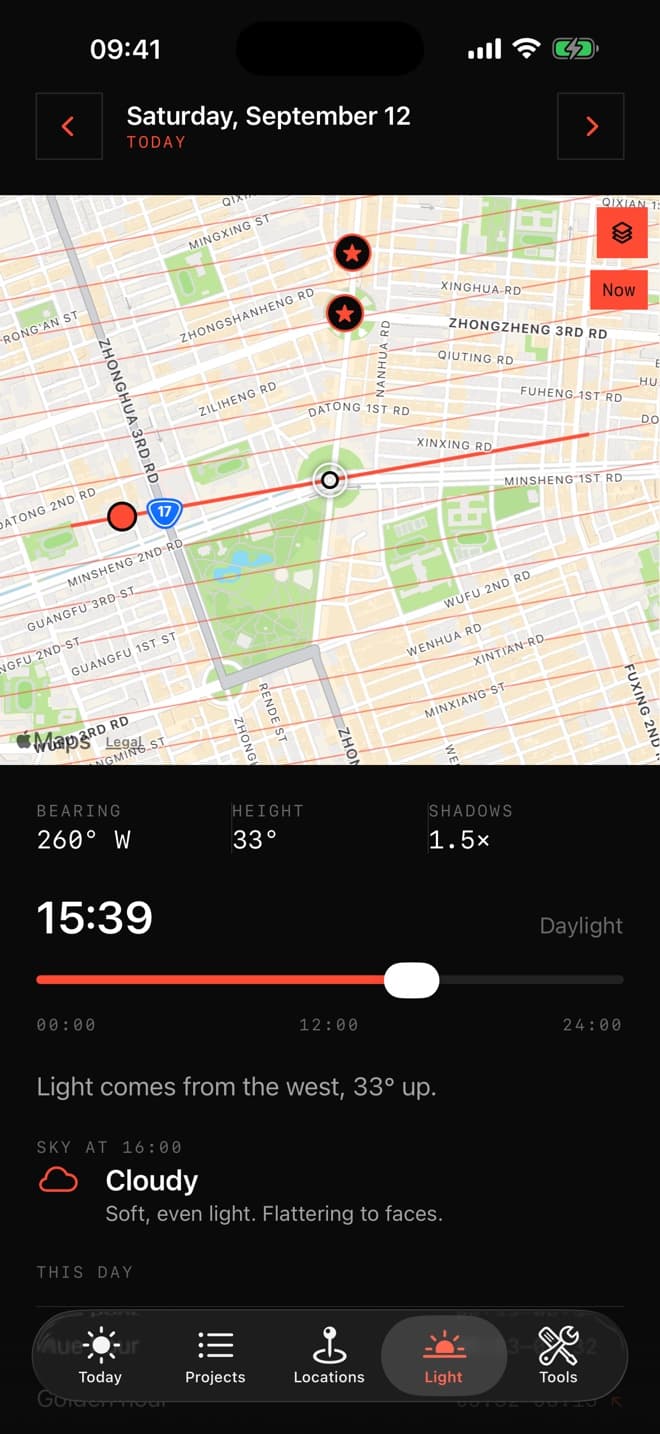
- When the light will be good, at a place you saved
- Where you stand legally, in eight countries, written from each country’s own law
- Send edited frames straight in from Lightroom
Your photographs, as a film.
You are on a course, working to a brief.
The reflective visual journal is assessed, and nobody has built a tool for it.
- A project shaped the way the brief asks: idea, test, evaluate, improve
- Notes and voice memos attached to the work itself, not kept in a separate book
- A project that stays open for a term or a year
- Export the whole thing when it is time to hand it in
- Film rolls frame by frame, and the gear you actually used
The journal your brief asks for.
One body of work, across months or years.
The material is scattered over devices, trips and years with no spine holding it together.
- Projects inside projects — the ferry, the people, the temples, all one piece of work
- Each strand becomes a chapter when you cut it together
- A map for each project: where the plan said to go, and where you went
- Everything travels between your iPhone and your iPad
- Archive the whole thing to a drive when it is finished
A body of work, held together.
- 01
Bring a whole project in from your AI
Tell Claude, ChatGPT, Gemini or Grok where you are going and what you are after. It hands back sections, places, prompts and scripts, and Klik builds the project. Nothing is typed twice — and because the assistant is your own, you are never billed for AI.
- 02
POV films from your own photographs
Lay your stills over a continuous take: the viewer sees the street, then the frame you took of it. Anchor one by eye and the rest land by interval, so no clock has to be right.
- 03
A teleprompter that follows your voice
A narrow column beside the lens, so your eyes stay where the camera is. It listens on the phone itself, in every language Klik speaks. People pay more for a teleprompter than this whole app costs.
- 04
The parts nobody enjoys, written for you
A thumbnail built from your own photograph and shown at the size people really see it. A title, tags, a description you can paste straight into YouTube, and chapter marks from the video you actually made.
- Narrate across a whole section, over photographs, a slideshow or a take
- Your places on a map, filed by country and city as you save them
- Where the sun will be, and what the light will do at a place you saved
- A plain-language guide to photographing in public, for eight countries
- Your gear, your film rolls frame by frame, and what you actually use
Free for fourteen days. Pick a plan when you are ready to make things.
Prices vary by country. No account, no sign-in, no analytics and no advertising. Without a plan, everything you have already made stays yours to open, read and export.